Editing Video: The 854x480 Cap Explained
> Grok's edit-video endpoint silently downscales to 854x480 and truncates to 8 seconds. Why the cap exists, when to edit instead of regenerate, and how to layer an upscale pass for final delivery.
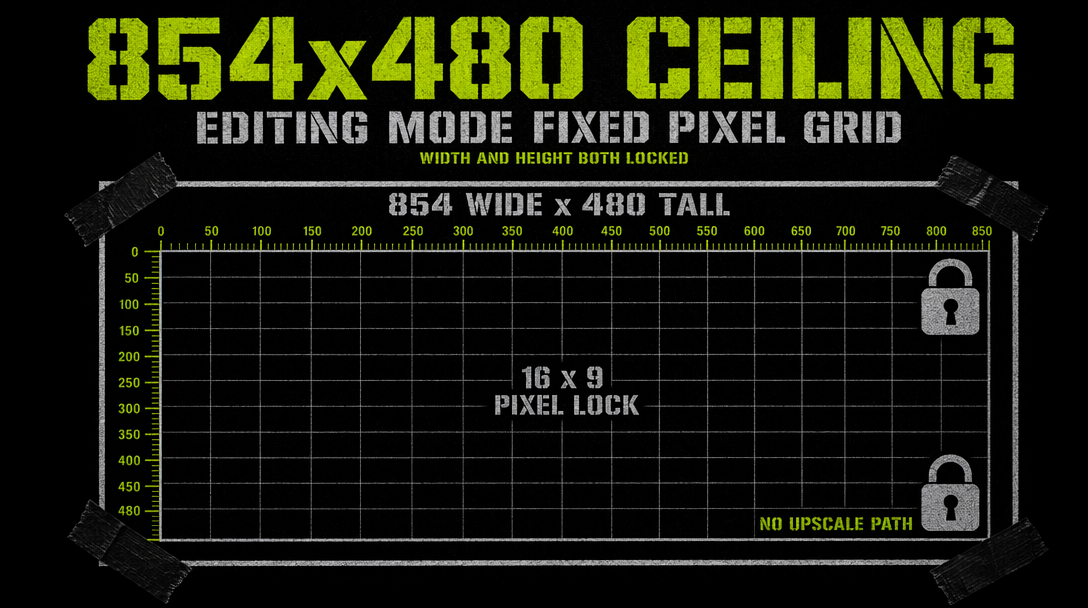
If you pass a 1080p 15-second clip to xai/grok-imagine-video/edit-video and get back a 480p 8-second file, the endpoint is not broken. That is documented behavior. Edit-video caps at 854x480 maximum resolution and 8 seconds maximum duration, regardless of what you hand it.
What actually happens
You submit a video at any resolution up to 720p and any length up to 15s. The endpoint accepts it. Internally, Grok downsamples to 854x480 before the edit model runs. If your source was longer than 8 seconds, only the first 8 are kept. You receive a 480p clip back, often with visible softening if your source was 720p.
The text-to-video and image-to-video endpoints produce 720p. Why would edit-video refuse?
Compute topology. Edit operations require the model to hold both source and edited output in memory while running temporal consistency checks. At 720p for 15s, the memory footprint triples compared to 480p for 8s. The cap keeps edit latency under 30 seconds at published price points. Without it, edit-video would either cost three times more or take three times longer.
The workflow around the cap
You do not fight the cap. You build around it. The production pattern has three stages:
- Generate the hero at 720p using text-to-video or image-to-video.
- Run the edit pass at 480p through edit-video, accepting the downscale.
- Re-upscale the edited output back to 720p using a dedicated upscaler.
Grok does not ship an upscaler. You need a separate model. topaz-labs/video-upscaler and similar fal endpoints can take 480p to 1080p for around $0.03/s. Budget an extra $0.24 for an 8s clip.
Total cost for the three-stage loop on an 8s edit:
- Original 720p generation: 8 x $0.07 = $0.56
- Edit pass at midpoint: 8 x $0.07 = $0.56
- Upscale back to 720p: 8 x $0.03 = $0.24
- Combined: $1.36 per finished edited clip
Compare that to regenerating with a tweaked prompt at $0.56 and you have to ask why edit-video exists. It exists for cases where you cannot regenerate.
Edit versus regenerate
Edit is right when composition, subject, and pacing are already good and you want to change one attribute. A color grade. A style shift. A prop swap that leaves framing intact. Regeneration would move too many things at once.
Regenerate is right when the prompt itself needs to change. A new motion, a new setting, a restructured shot. The model is tuned for localized transforms, not global rewrites.
Practical test: if you can describe the change starting with "make it look like," "change the color to," or "replace the X with," edit-video fits. If it starts with "now shoot it from," "instead of the beach," or "a different character," regenerate.
Working code
1import { fal } from "@fal-ai/client";23fal.config({ credentials: process.env.FAL_KEY });45const edited = await fal.subscribe("xai/grok-imagine-video/edit-video", {6 input: {7 video_url: "https://cdn.example.com/clips/ceramic-studio-hero.mp4",8 prompt: "shift the entire scene to golden hour, warm sun through the window, keep subject and camera path identical",9 strength: 0.5510 },11 logs: true12});1314console.log("edited 480p clip:", edited.data.video.url);
No resolution parameter, no duration parameter. The cap handles both. The strength field controls how aggressively the model deviates. 0.3 gives a subtle grade. 0.7 gives near-regeneration inside the original structure. Most edits land between 0.4 and 0.6.
Truncation options
The 8-second cut happens without warning. For a 12s clip you want edited:
- Split into two 6s segments, edit each, stitch. Continuity across the seam is your problem.
- Edit only the first 8s and hand-blend with the unedited tail.
- Regenerate the full 12s with the new attribute in the prompt.
Option three is usually right for clips longer than 8s.
Gotchas
- Aspect ratio is preserved. 16:9 720p returns 854x480. 9:16 720p returns 480x854.
- Audio survives. Generated tracks pass through.
- Strength above 0.7 drifts composition. If framing must stay locked, stay below 0.6.
- Retries at the same seed can return slightly different results.
The cap is real, truncation is real. Build the three-stage loop and decide edit versus regenerate on the content of the change.